How TikTok and Media Apps Are Secretly Grinding Down Your Battery Health, The Infinite Scroll's Hidden Tax
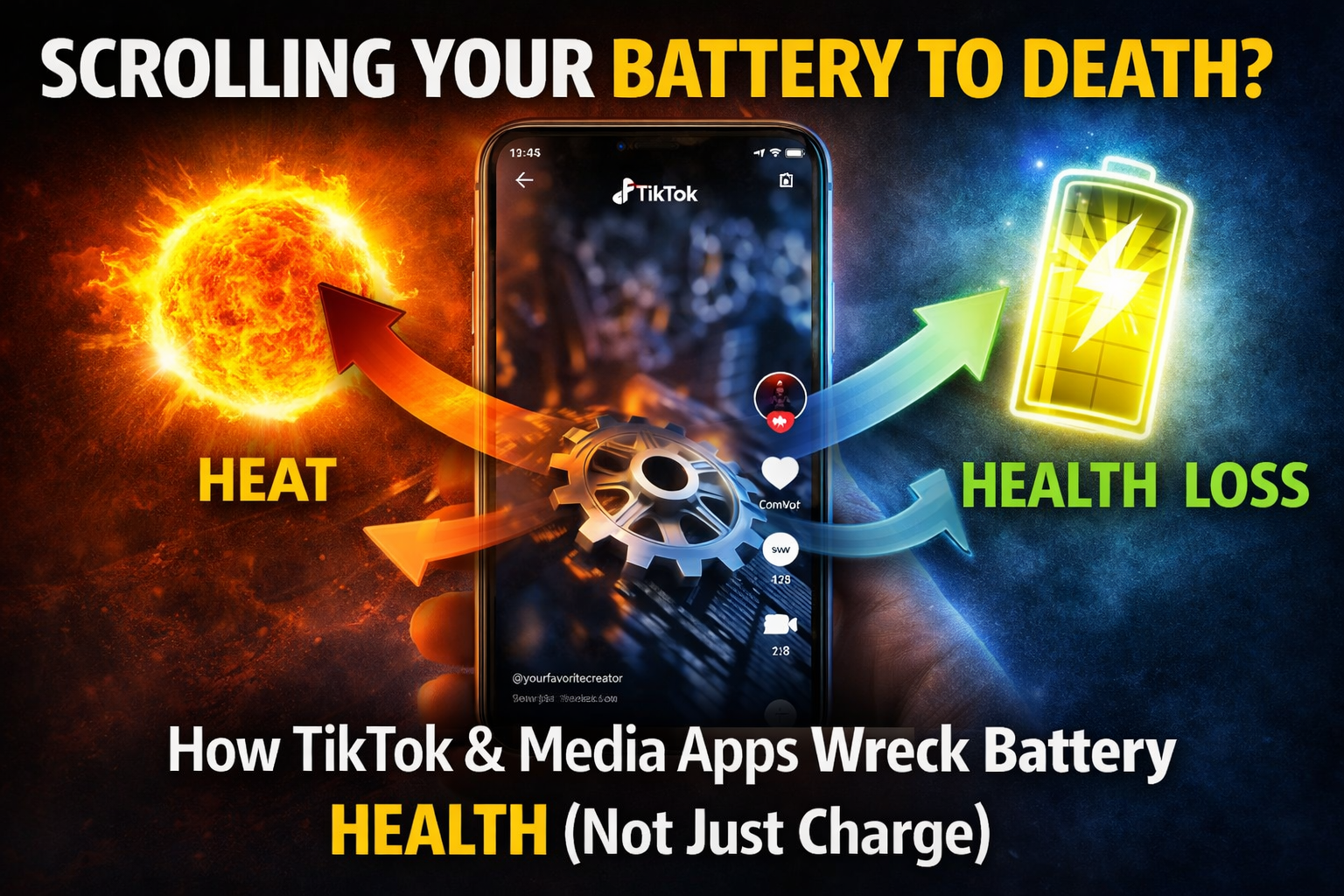
You know the drill. You open TikTok "for five minutes." An hour later, your phone is warm, your battery percentage has nosedived, and you’re plugged into a charger again. It feels like these apps are just draining your battery charge for the day. But the more insidious question is: are they also damaging your battery's long-term health?
The short answer is a definitive yes, but not in the way you might think. Apps like TikTok, YouTube, Instagram Reels, and Netflix aren't evil sorcery designed to kill batteries. They are, however, the ultimate stress test a perfect storm of conditions that accelerates the natural aging process of your phone's most fragile component. Let's break down the physics of the doomscroll.
The Triple Threat: How Media Apps Create a Battery Hellscape
Media consumption apps attack your battery on three simultaneous fronts: Compute, Display, and Heat. This trifecta is what makes them uniquely destructive.
1. The Compute Load: It's Not Just Playing a Video
Your phone isn't a passive TV. For every second of a TikTok or YouTube video, it's doing intense, real-time work:
Decoding High-Bitrate Video: Processing 1080p or 4K video streams, especially with advanced codecs like AV1 or H.265, is computationally expensive. It keeps the CPU and GPU (and increasingly, a dedicated media engine) running at high frequencies.
Running the Recommendation Algorithm: While you watch, the app is constantly analyzing your engagement (watch time, likes, shares) and pre-loading the next videos in the background. This requires constant network activity and background processing.
Rendering the UI: All the smooth animations, comment overlays, and interactive effects require graphical power.
2. The Display Demands: The Biggest Power Hog
The display is consistently the #1 power consumer in any phone. Media apps maximize this drain:
High Brightness: Users often crank brightness for better viewing, especially in daylight. A display at 80-100% brightness can use 2-3x more power than at 50%.
High Refresh Rates: Most modern phones have 90Hz or 120Hz displays. Scrolling through feeds and watching optimized content keeps that refresh rate high, drawing significantly more power than static text.
Constant Screen-On Time: This is the most obvious factor. Unlike a messaging app where the screen turns off between texts, media consumption means the display is on, at high power, continuously for 30, 60, 90+ minutes. This is a sustained high-current draw that batteries despise.
3. The Heat Catalyst: The True Health Killer
This is the critical link to battery health damage. The intense compute load (point #1) combined with the display's waste heat (point #2) has one result: your phone gets hot.
The Chemistry of Heat Degradation: As established in our previous deep-dive, lithium-ion batteries hate heat. Elevated temperatures dramatically accelerate the chemical reactions that cause permanent capacity loss. The rule of thumb: Sustained operation above 35°C (95°F) starts to degrade health. A hot phone in your hand during a long TikTok session is likely sitting in the 40-45°C range.
The Vicious Cycle: Heat also increases the battery's internal resistance. This makes it less efficient, meaning it wastes more energy as you guessed it more heat. The system needs to draw even more current from the battery to perform the same task, creating a feedback loop of degradation.
Comparing the Culprits: Which Apps Are the Worst?
Not all media apps are created equal. Here’s a rough ranking of battery health impact:
Tier 1 (The Worst): TikTok, Instagram Reels
Why: Short-form video is the perfect storm. Constant scrolling (high refresh rate), algorithm-loaded feeds (compute), auto-playing video (sustained decode), and hypnotic usage patterns that lead to long, continuous, thermally stressful sessions.
Tier 2 (Heavy Hitters): YouTube, Netflix, Disney+
Why: Longer-form content often means slightly less frantic scrolling, but the sustained video decoding and screen-on time is immense. 4K HDR streaming is the absolute pinnacle of power draw.
Tier 3 (Moderate): Music Streaming (Spotify, Apple Music) with screen OFF
Why: With the screen off, the power draw plummets. The impact is on battery cycle count (using up a charge) but not severe heat-induced health degradation.
The Data Doesn't Lie: What the Research Shows
While no study singles out "TikTok," the principles are well-documented:
A 2020 study in the Journal of Power Sources confirmed that cycling batteries at elevated temperatures (40°C vs. 25°C) reduced capacity retention by over 20% after a set number of cycles.
Battery health tracking apps and teardown experts (like iFixit) consistently find that devices used heavily for gaming and media consumption show accelerated battery wear compared to devices used primarily for calls and messaging, even with similar total cycle counts.
How to Protect Your Battery (Without Quitting Cold Turkey)
You don't have to delete the apps. You just need to be a smarter user.
Lower Screen Brightness: Use auto-brightness or manually set it to the lowest comfortable level. This is the single most effective action.
Enable "Low Power Mode" During Sessions: This throttles CPU/GPU performance slightly and can limit background activity, reducing heat generation. For video playback, you often won't notice a difference.
Cap Frame Rate: If your phone has a setting to cap the refresh rate to 60Hz (in Battery settings or Display settings), use it for media sessions. You don't need 120Hz to watch a video.
Avoid Charging While Watching: This is the cardinal sin. Using a power-hungry app while fast charging combines the internal heat from computing with the external heat from charging. This can push temperatures into highly damaging ranges (>45°C). If you must, use a slow charger.
Take Breaks & Let It Cool: An hour-long binge session is worse than six 10-minute sessions. Give your phone time to dissipate heat. If it feels warm, set it down on a cool surface (not a blanket or sofa).
Download Instead of Stream: If you're watching a movie on a plane or somewhere you'll binge, download it over Wi-Fi first. Playback from storage uses far less power (and generates less heat) than continuous 5G/4G streaming.
So lastly:
TikTok and its media app cousins don't contain malicious code that attacks your battery. Instead, they create the perfect operational environment for accelerated battery wear: sustained high compute, maxed-out display specs, and prolonged heat generation.
Think of your battery's health as a finite resource. Every minute spent scrolling hot, bright, algorithmically-generated video is like driving your car at redline RPM. You'll get to your destination (entertainment) faster and more intensely, but you're putting wear on the engine that a calm highway drive (reading an ebook) would not.
The apps aren't the problem. Our usage habits are. A little mindfulness can keep you entertained and keep your battery healthy for years, not just for the next viral trend.

Comments
Please login to post a comment
LoginNo comments yet. Be the first to comment!