WWDC 2026 – Apple Finally Gets AI (And Parenting) Right

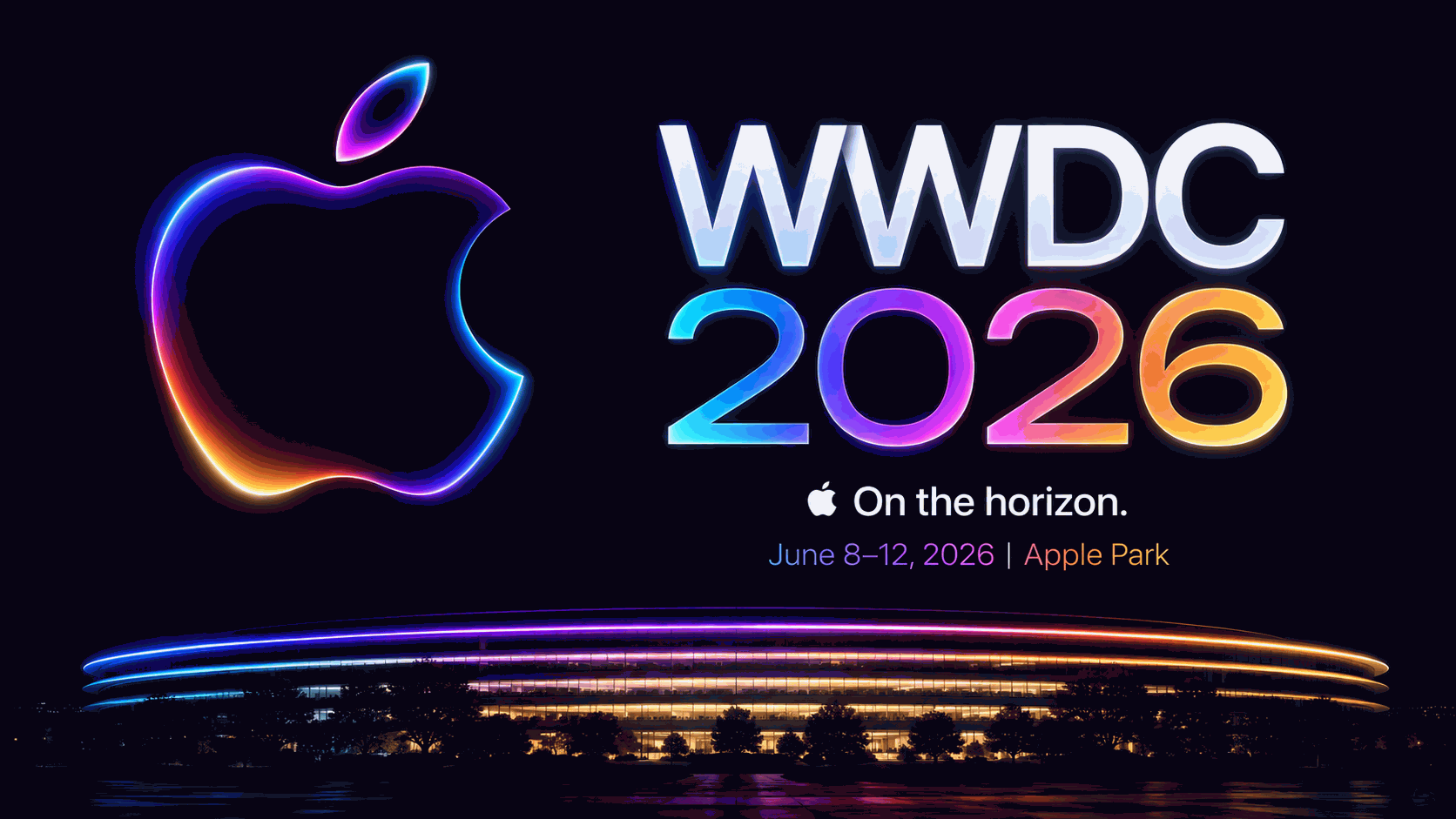
Let me be honest: I went into Apple's WWDC 2026 keynote ready to be bored.
Every year, Tim Cook stands on that stage, talks about "magical experiences," and then Craig Federighi makes a dad joke about a macOS name. You watch, you nod, you forget.
But this year? Something shifted.
Apple just dropped the biggest update to Siri in a decade, partnered with Google (yes, *that* Google) for AI models, and actually made child safety features that don't feel like creepy surveillance. Also, they somehow made iOS 27 run faster on the iPhone 11. That phone came out in 2019.
I took 17 pages of notes so you don't have to. Here's everything that actually matters from WWDC 2026.
The macOS Name Saga: Golden Gate, Baby
Let's get the goofy stuff out of the way first.
Craig Federighi came on stage with a story about Apple's marketing team running off in a "microbus" to find enlightenment. They left a cryptic note about "floating on a span of gold." Nobody knew what it meant.
Then Joz (Apple's marketing chief) just yells from the audience: *"It's Golden Gate, man."*
And just like that, macOS 16 is called **macOS Golden Gate**. No more "Mavericks," "Yosemite," or "Monterey." They're now naming after actual landmarks. Honestly? I love it. It's stupid, it's human, and it's way better than "macOS Weed" or whatever the stoners wanted.
iOS 27: Speed, Speed, and More Speed
Every year, Apple says "it's faster." But this time, they brought receipts.
Stacey (Apple's software lead) went on a 10-minute rant about CPU schedulers. I almost fell asleep, but then she dropped the bombshell.
iOS 27 supports the same iPhone models as iOS 26, all the way back to iPhone 11.
That's a 7-year-old phone. Android flagships barely get 3 years of updates. Apple is basically running a charity for old hardware at this point.
And the speed gains? Actually impressive:
- App launch up to 30% faster. That's not "felt faster." That's measured.
- Photos load up to 70% faster. No more staring at gray squares after a big shoot.
- AirDrop transfers up to 80% faster. Finally, I can send a 4K video to my friend without making coffee.
- External drive transfers on iPad are 5x faster. They specifically said "as fast as Finder on Mac." That's a shot at the iPad Pro crowd who always complained.
But the real magic? The CPU scheduler improvement is coming to old iPhones. That means your iPhone 11 might actually feel snappier after updating to iOS 27. That's unprecedented.
Liquid Glass Gets a Slider (Finally)
Last year, Apple introduced "Liquid Glass" – that frosted, blurry design language that made everything look like a fancy cocktail bar. Some people loved it. Some people (me) thought it was sometimes too blurry to read.
Well, Apple listened. iOS 27 adds a slider in Settings that lets you adjust Liquid Glass from "ultra clear" to "fully tinted." You want that heavy frosted look? Go for it. You want to actually read your emails? Turn it down.
They also brought back colored sidebar icons (they went grayscale last year, and everyone hated it) and made window corners uniformly round. It's small, but it's the kind of "we heard you" update that makes Apple feel human again.
Child Safety: Apple Finally Gets Tough
I have two kids. One is 9, one is 12. I've tried every screen time tool. Nothing works because kids just click "Ignore Limit."
Apple's new approach is different. And it's based on actual research from the American Academy of Pediatrics.
Sumbul (Apple's health lead) laid out two principles:
1. Parents know best for their family.
2. Protections should be based on expert health research, not just vibes.
Here's what's new:
Ask to Browse. Kids have to ask permission to visit a new website. It works across Safari on iPhone, iPad, and Mac. For kids under 13, it's on by default. For teens, parents can enable it.
Time Allowances. Instead of setting limits per app (which gets exhausting), Apple now groups apps into Entertainment, Games, and Social Media. They give you a *daily time allowance recommendation* based on your child's age. For example, experts recommend no social media for kids under 13. Apple builds that right into the setup.
Schedules. You can now set different allowances for school days vs. weekends. During school hours, only learning apps are available. On Saturday, extra gaming time. It's flexible and actually useful.
And the best part? Communication Safety now blocks gore and violent content in addition to nudity. That's huge. My son once accidentally saw a violent clip on a friend's phone, and it messed with him for days. Apple is now stopping that before it happens.
Developers also get new APIs to declare age ranges for their apps. So a social media app can automatically limit features for users under 13. No more "I swear I'm 18" checkboxes.
Siri AI: The Google-Apple Marriage We Never Saw Coming
Okay, this is the big one. Brace yourself.
Apple just announced Siri AI, and it's built on a deep collaboration with Google using Gemini models.
Yes. Apple and Google. Working together. On AI.
Craig said, quote: "We embarked on a deep collaboration with Google, leveraging the technologies behind their Gemini family of models."
This is wild because just two years ago, Apple was reportedly building everything in-house. But Gemini's multimodal capabilities (text, image, audio) are best-in-class. Apple brought the privacy architecture (Private Cloud Compute), and Google brought the model power.
The result? Siri is now conversational. You can have a back-and-forth. You can say, "What's the World Cup schedule?" then "Plan a watch party for Brazil vs. Morocco" then "What was that dessert Maria mentioned?" and Siri pulls from your Messages. It remembers the thread.
There's also a dedicated Siri app now. Your conversation history syncs across iPhone, iPad, and Mac via iCloud. So you can start asking Siri something on your watch, continue on your phone, and finish on your Mac. Seamless.
Visual Intelligence is the other killer feature. Open the Camera app, tap the shutter button, and Siri sees what you see. Point it at a restaurant menu to translate. Point it at a bill to split the tab with Apple Cash. Point it at a suitcase to ask "Will this fit as a carry-on?" and Siri checks your flight details and answers.
It's like Google Lens, but built into Siri, and private.
Writing Tools and Dictation: Bye-Bye, Typos
The new system-wide dictation is *scary accurate*. It handles punctuation and capitalization automatically. And if you ramble (like I do), you can just talk naturally and Siri cleans it up.
They didn't name it "Rambler" like Google did, but the functionality is similar. Apple just calls it "intelligent dictation."
Plus, you can now write with Siri anywhere you type. Select some text, right-click, and say "Make this sound more professional" or "Add a joke here." It even adapts to your writing style based on who you're emailing. Your boss gets bullet points. Your friend gets emojis.
Automatic proofreading is now on by default. No extra clicks. If you misspell something, it just fixes it. You can undo if you want, but honestly, I'm leaving it on.
Photos: Spatial Reframing Is Black Magic
The most jaw-dropping demo of the entire keynote was Spatial Reframing in Photos.
Here's the problem: you take a photo, and the composition is slightly off. A sign is sticking out of someone's head. The horizon is crooked. You missed eye contact by a fraction of a second.
Normally, you'd crop and call it a day. But Apple built something insane.
You open the photo, tap Edit, then Reframe. Then you literally drag the image to reposition the camera. Want to move the camera down? Just drag down. Want to zoom in slightly? Pinch. The phone uses on-device spatial models to understand the 3D geometry of the scene, then fills in the missing areas with generative AI.
They showed a photo of two kids celebrating the last day of school. The framing was off, too much sky, kids too low. The photographer dragged the image down, and the AI filled in the missing grass and background seamlessly. It looked like it was shot that way.
This works on old photos. It works on photos taken with other cameras. And it's powered by Private Cloud Compute, so your images aren't uploaded anywhere.
I've seen a lot of AI photo tricks. This one is genuinely magical.
Safari, Passwords, and Home: The Small Stuff That Matters
A few other cool things:
Safari now automatically organizes your tabs into topics. You have 47 tabs open for a trip to Japan? Safari groups them into "Flights," "Hotels," "Restaurants." You can close an entire topic at once. Also, "Notify Me" lets you ask Safari to watch a page (like "when this Nintendo Switch is back in stock") and ping you when it changes.
Passwords app now has a one-tap "upgrade weak passwords" button. It agentically goes to each website, logs in, and changes the password for you. That's terrifying and awesome.
Home app now uses AI to summarize security camera clips. Instead of watching 3 hours of your backyard, you just read "Package delivered at 2:15 PM. Squirrel at 3:00 PM. Leaf blew at 4:00 PM." And you can search clips by natural language: *"Show me when the mailman came."*
Shortcuts now lets you describe what you want in plain English, and it builds the automation for you. Example: *"When I leave work, text my wife my ETA and play my podcast."* Done.
The Fine Print: Not Everything Is Perfect
Apple was transparent about limitations:
- Siri AI will not launch in the EU initially (regulatory issues).
- Not available in China while they work through requirements.
- Some image generation features have daily usage limits (free tier). iCloud+ subscribers get higher limits.
- The most advanced on-device Siri features (expressive voices, advanced dictation) require the latest iPhones (iPhone 16 Pro and up). But basic Siri AI works on all Apple Intelligence-compatible devices.
Also, the Google collaboration raised eyebrows. Privacy advocates are nervous. Apple insists that Private Cloud Compute means your data never touches Google's servers – only Apple's secure enclaves. But trust will take time.
Final Verdict: The Best WWDC in Years
I've been covering Apple events for a decade. This one felt different.
There was no "one more thing" that flopped. No overhyped feature that nobody will use. Instead, Apple did something rare: they fixed the stuff that was broken (Siri, screen time, photo editing) and added AI that actually helps instead of just generating cute cat pictures.
The Google partnership is risky. The child safety features are overdue. And iOS 27 running on iPhone 11 is almost suspiciously generous.
But you know what? I'm excited. For the first time in years, I want to install the beta.
iOS 27, macOS Golden Gate, and Siri AI drop this fall. I'll be first in line.

Comments
Please login to post a comment
LoginNo comments yet. Be the first to comment!