Behind the Pixels: Samsung's Privacy Display Explained – The Good, The Bad, and The Verdict

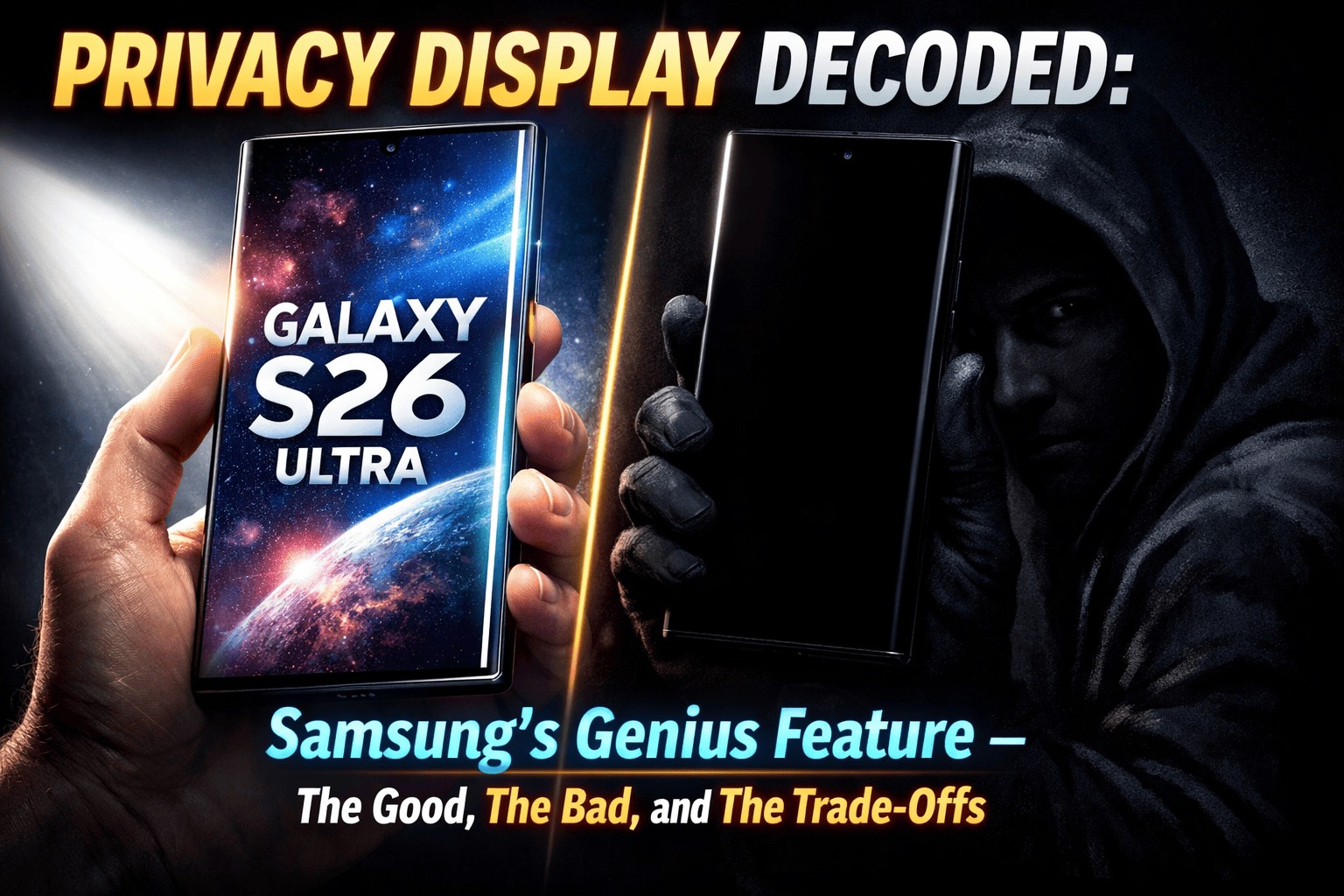
Samsung's Galaxy S26 Ultra introduced a feature that genuinely feels like a first: a hardware-based Privacy Display that can selectively block your screen from prying eyes. No bulky privacy film, no permanent dimming just a toggle in settings, and suddenly, the person next to you on the subway sees nothing but a dark screen.
It sounds like magic. But as with any first-generation technology, there are trade-offs. After poring over lab tests, hands-on reviews, and technical deep-dives, we're breaking down exactly how this works, why you might want it, and the compromises you need to know before buying.

Part 1: The Technology – How Samsung Made "Shoulder Surfing" Obsolete
The genius of Samsung's Privacy Display is that it's built into the hardware itself, not layered on top like those old-school privacy filters .
The Dual-Pixel Architecture
Inside the Galaxy S26 Ultra's 6.9-inch Dynamic AMOLED 2X display, Samsung engineered two distinct types of sub-pixels :
- Narrow Pixels: These are designed to emit light in a tight, focused beam directly toward the user. From any significant angle, they become nearly invisible.
- Wide Pixels: These function like traditional display pixels, scattering light in all directions for normal wide-angle viewing.
How It Works in Practice:
- Normal Mode: Both narrow and wide pixels work together, delivering full brightness, vibrant colors, and wide viewing angles .
- Privacy Mode Enabled: The wide pixels are turned off. Only the narrow pixels remain active, beaming information directly to your eyes and blacking out the screen from the sides .
Samsung calls the structural framework that makes this possible the "Black Matrix," a precise optical layer that controls the path of light from each pixel .
Beyond Simple On/Off: Granular Control
love reading it? try this CellKaro's Take: Samsung Unpacked 2026 – AI Becomes Infrastructure, Privacy Takes Center Stage
What makes this truly useful is the software intelligence layered on top :
- Per-App Privacy: You can set specific apps (banking, messaging, email) to automatically trigger Privacy Display whenever they're open .
- Notification-Level Protection: Even with Privacy Display off, sensitive notifications can be automatically hidden from side view when they pop up .
- Maximum Privacy Protection: An intensified mode that further darkens the screen from angles by adjusting pixel contrast, making it virtually impossible for anyone but you to see anything .
- PIN and Password Protection: The feature can automatically activate when it detects you're entering sensitive information .
What About Future Upgrades?
At MWC 2026, Samsung demonstrated next-generation privacy tech that can apply the effect to specific areas of the screen for example, only hiding the virtual keyboard while keeping the rest visible. However, this requires new hardware and won't come to the S26 Ultra via software updates .

Part 2: The Good – Why You'll Love It
1. Real, Tangible Privacy
This isn't a software trick. Every reviewer who tested it confirmed: with Privacy Display enabled, the screen becomes genuinely unreadable from even moderate angles . Digital Camera World called it "easy to activate and effective" . A nine.com.au reviewer noted they left it on for two full weeks it stopped feeling like a gimmick and became infrastructure .
2. No Permanent Trade-Off
Unlike third-party privacy screen protectors that permanently dim your display and degrade image quality, Samsung's solution is toggleable . You get a flagship experience when you want it, and impenetrable privacy when you need it.
3. Intelligent, Automated Protection
The ability to set it per app means you don't have to think about it. Your banking app, your private messages, your emails they're automatically protected . Notifications, those little leaks of personal information, can be shielded without hiding your entire screen .
4. It Works with Screen Protectors
Worried about scratches? Samsung confirms the Privacy Display functions normally with third-party screen protectors . You don't have to choose between protection for your phone and protection from prying eyes.
5. It's a True First
In a smartphone market where innovation often feels incremental, this is genuinely new. Samsung took a risk, engineered a hardware solution, and delivered a feature that solves a real-world problem millions of people face daily .

Part 3: The Bad – The Trade-Offs You Need to Know
1. The Brightness Hit (And It's Significant)
This is the most discussed compromise. Tom's Guide put the Galaxy S26 Ultra through lab testing, and the numbers tell a clear story :
|
Condition |
Brightness (nits) |
Change |
|
Privacy Display OFF (Peak) |
1,806 |
Baseline |
|
Privacy Display ON + Max Protection (SDR) |
586 |
67.6% decrease |
Even with Privacy Display off, the S26 Ultra is slightly dimmer than last year's S25 Ultra (1,806 nits vs 1,860 nits) . With Privacy Display and Maximum Protection enabled, brightness plummets to levels that make outdoor viewing challenging. At 586 nits, you're trading a flagship experience for a mid-range one in exchange for privacy.
so here they used the technology first: Samsung Galaxy S26 Ultra 5G
2. The Visible Pixel "Raster"
When Privacy Display is active, the screen's pixel structure becomes slightly visible. Samsung Magazine's hands-on testing confirmed that "you will actually see a raster on the display pixels, when it looks a little rougher" . It's a minor trade-off for privacy, but it's there.
3. Color Muting and Saturation
Android Police's side-by-side comparison with the S25 Ultra revealed that even with Privacy Display off, colors appear "slightly muted" compared to the previous generation . With both vividness sliders maxed, the S25 Ultra still delivered more saturated tones. In a vacuum, you won't notice but side by side, the difference is visible.
4. Viewing Angles Are Compromised (Even with Privacy Off)
Here's an odd one: even when Privacy Display is disabled, the screen dims when viewed from an angle, whereas the S25 Ultra remained vibrant . The hardware designed to enable privacy seems to have subtly altered the panel's native behavior across the board.
want to know more about samsung history? lets read this The Samsung Empire: From Dried Fish to the Masters of the Galaxy
5. The 8-Bit vs. 10-Bit Controversy
Samsung initially briefed that the S26 Ultra featured a 10-bit display. It turns out it's actually an 8-bit panel with software simulating 10-bit performance . Most users won't notice, but for enthusiasts and professionals who need true 10-bit color depth for work, this was a disappointment and a communications failure on Samsung's part.
6. No Qi2 Magnetic Wireless Charging
This isn't directly about the display, but it's a related frustration. The S26 Ultra lacks built-in magnets for Qi2 wireless charging, meaning you can't use magnetic accessories without a case . For a $1,299+ flagship in 2026, this feels like an oversight.
7. Potential PWM Sensitivity Issues
Some users sensitive to PWM (pulse-width modulation, the way displays control brightness) have reported headaches after extended use . This is anecdotal, but if you're sensitive to display flicker, you should test the phone in person before buying.

Part 4: The Nuance – It's About Trade-Offs, Not Flaws
The key insight from every reviewer is this: Privacy Display is a feature you toggle, not one you leave on forever.
- When you need privacy (on public transport, in a café, entering a password), you enable it and it works brilliantly .
- When you want the best visual experience (watching HDR video, viewing photos, showing someone something), you disable it and you're back to a (mostly) flagship display .
The Samsung Magazine reviewer put it well: "For privacy, a little bit of restriction is not a problem in my opinion, of course you can have it differently" . The feature can be toggled instantly via the menu bar or even mapped to a double-press of the side button .
The real question is whether the always-present trade-offs (slightly dimmer baseline, muted colors, visible raster when active) are worth the occasional privacy benefit. For many, the answer will be yes. For display purists, it might be a reason to stick with the S25 Ultra.
Part 5: The Verdict – Who Should Buy the S26 Ultra for Its Privacy Display?
Buy It If:
- You frequently use your phone in public spaces (commutes, cafes, waiting rooms).
- You handle sensitive information (banking, work emails, private messages) on your phone.
- You value the ability to choose privacy over peak display performance.
- You're upgrading from an S21 or older and the trade-offs won't be noticeable in isolation.
Skip It If:
- You're a display enthusiast who needs maximum brightness and color accuracy at all times.
- You're sensitive to PWM flicker (test before buying).
- You were counting on true 10-bit color depth for professional work.
- You're happy with your S25 Ultra and don't feel the need for this specific feature.
The Bottom Line:
Samsung's Privacy Display is a genuinely innovative first step. It solves a real problem in a way that no other phone does. But first-generation tech comes with first-generation compromises. The brightness hit is real, the pixel raster is visible, and the color muting is measurable .
The question isn't whether it's perfect it's not. The question is whether those imperfections are worth the peace of mind. For the privacy-conscious, the answer is a resounding yes. For everyone else, the S26 Ultra remains a phenomenal phone with a fascinating new trick, even if you only use it occasionally.
As one reviewer concluded: "I'm willing to accept this compromise for the peace of mind that no one can snoop on my screen" . That's the Privacy Display value proposition in a sentence.

Comments
Please login to post a comment
LoginNo comments yet. Be the first to comment!