How Weak Signals Are Secretly Draining Your Battery, The Hidden Tax of a Single Bar
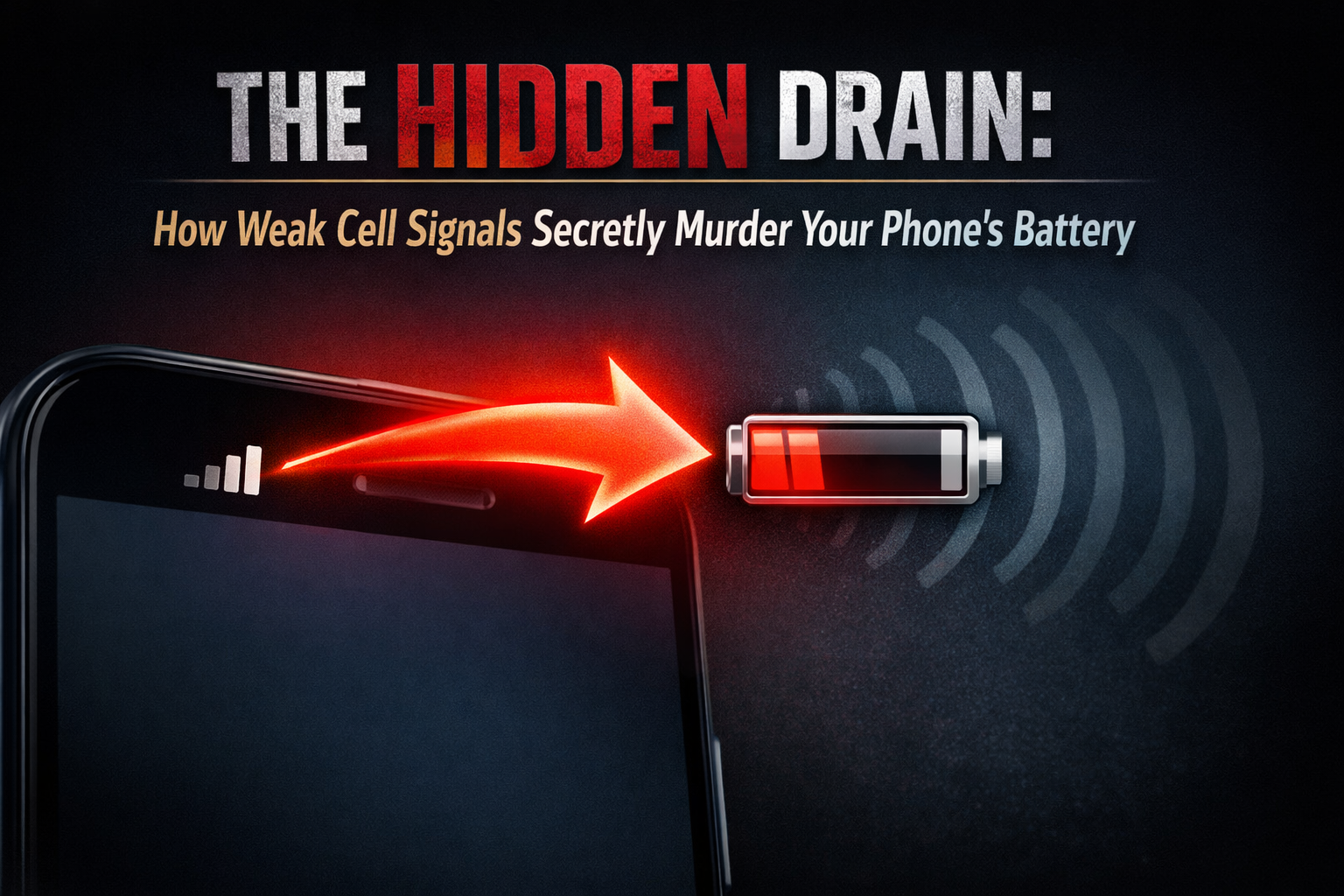
You know the feeling. You're in a basement, a rural area, or a concrete building, and your phone's signal bars shrink to one or two. Almost instinctively, you feel a pang of battery anxiety. It's not your imagination. That dwindling signal isn't just cutting you off from the world it's actively waging a war of attrition against your phone's battery life.
This isn't a minor power drain; it's one of the most significant and least understood battery killers in mobile technology. Let's dive into the radio-frequency physics behind why your phone works harder when the network is weak, and how this silent struggle can cut your battery life in half.
The Radio's Relentless Search: Your Phone is Always Shouting
To understand the drain, you need to think of your phone not as a passive receiver, but as a two-way radio transceiver. It's in a constant, polite conversation with the nearest cell tower.
Strong Signal (Full Bars): The conversation is easy. Your phone can speak in a calm, clear, low-power whisper. The tower hears it perfectly, and replies are loud and clear. Minimal energy is expended to maintain the connection and transfer data.
Weak Signal (1-2 Bars): The conversation is now a long-distance shout across a noisy room. Your phone must boost its transmission power to maximum to be heard by the distant or obstructed tower. It's straining its radio amplifier, screaming into the void. Simultaneously, it's cranking up its receiver sensitivity to try and pick out the tower's faint reply from the background radio noise. This is an immense power draw.
The Physics of the Power Drain: A Numbers Game
The relationship isn't linear; it's exponential. Going from a strong signal to a weak one doesn't increase power use by 20% it can increase it by 300% to 500% or more.
The Baseline: In ideal conditions, maintaining an idle cellular connection might use less than 5% of the device's total power budget.
The Struggle: In weak signal conditions, the radio's power amplifier (PA) one of the chipset's hungriest components can jump from a low-power state to its maximum output, potentially consuming over 25% of the total system power just to maintain a basic voice link. Streaming music or loading a webpage under these conditions is a battery massacre.
The Vicious Cycle of "Network Searching"
When a signal drops out completely, an even more destructive process begins: the scan cycle.
Your phone loses connection.
It immediately begins scanning all frequency bands for any available network. This is a full-power, intensive radio process.
It may find a weak signal, attempt to register, fail, and drop again.
Repeat every 10-15 seconds.
This frantic searching can drain a battery faster than playing a 3D game. You'll often feel the device get warm in your pocket a sure sign of the radio's desperate labor.
Real-World Scenarios: Where Your Battery Dies a Silent Death
The Commuter's Curse: Your train goes in and out of tunnels. Each time, the phone loses signal, searches, finds it, boosts power, loses it again. A one-hour commute can drain as much battery as three hours of steady use.
The Office Dungeon: Your desk is in the building's core, far from windows. Your phone has a weak but stable signal. It's constantly transmitting at high power, making that 8-hour workday a long, slow battery bleed.
The "Edge" of Coverage: Your network shows "E" (EDGE) or switches between 4G and 5G repeatedly. These older or unstable connections are less efficient, requiring more power for the same amount of data.
Your Battery-Saving Defense Strategy
You can't control tower placement, but you can control your phone's behavior.
Airplane Mode is Your Ultimate Weapon: In areas of known zero signal (subways, remote hikes, airplanes), switch to Airplane Mode immediately. This completely shuts down the cellular radio. Turn it off only when you have a reliable signal.
Wi-Fi Calling is a Lifesaver: If you have a poor cellular signal but strong Wi-Fi, enable Wi-Fi Calling (in your phone's settings). This routes your calls and texts over the internet, allowing your cellular radio to rest or even be turned off, saving massive power.
Manual Network Selection: If your phone is constantly flipping between networks (e.g., "Network A" with 1 bar and "Network B" with 2 bars), go to Settings > Mobile Network > Network Operators and manually select the stronger one to prevent wasteful switching.
The "Low Data Mode" Bonus: On iPhones (and similar on Android), enabling Low Data Mode can reduce background network activity, which in weak signal areas means less time the radio is powered on trying to fetch data.
Carry a Power Bank in Weak Zones: If you know you'll be in a low-signal area all day (a conference center, a rural visit), accept the inevitable and pack external power. Fighting physics is a losing battle.
The Bottom Line: Signal Strength is a Battery Meter
Yes, definitively, a weak signal drains your battery much, much faster. It is one of the most potent factors in rapid, unexplained battery depletion.
Next time you see that single bar, don't just think about dropped calls. Think about your phone's internal radio, screaming at full volume, converting your precious battery charge into futile radio waves absorbed by concrete and distance. It's not lazy; it's loyal working itself to exhaustion just to keep you connected. Your job is to know when to tell it to take a rest.

Comments
Please login to post a comment
LoginNo comments yet. Be the first to comment!