Inside Your Pocket's Filing Cabinet: UFS, eMMC, NVMe: The Storage Tech That Defines Your Phone's Speed

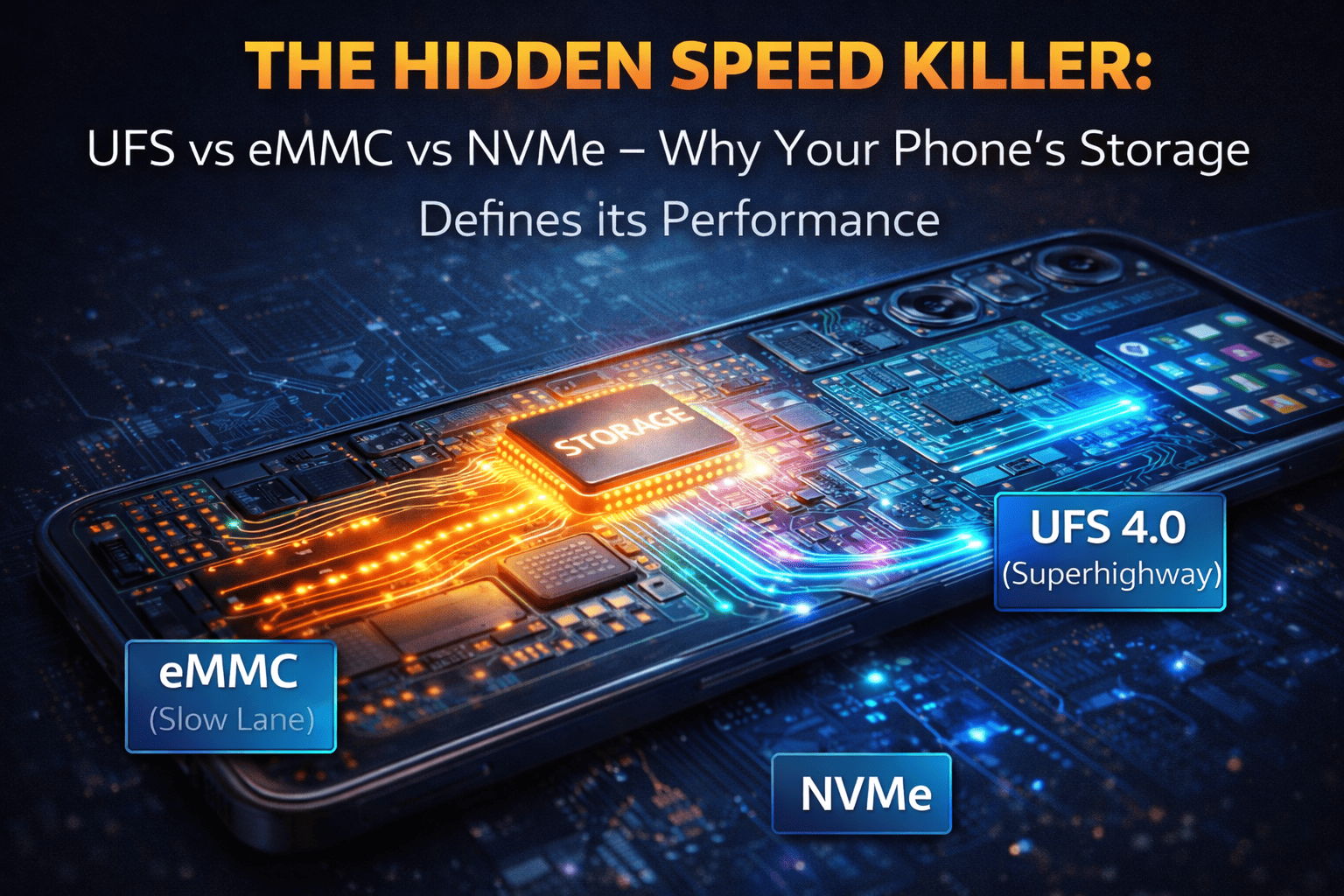
We obsess over processors, cameras, and screens. But there's a silent workhorse inside your phone that dictates more of your daily experience than any spec sheet suggests: the storage. It's the reason apps launch instantly or lag, the reason 4K video saves in seconds or takes forever, the reason your phone feels "snappy" or "sluggish" after a year of use.
Yet most users have no idea what UFS, eMMC, or NVMe actually mean. These acronyms are the difference between a device that ages gracefully and one that frustrates from day one. Let's open the hood and understand the storage technologies that power our digital lives.
Part 1: The Basics What Does Phone Storage Actually Do?
Think of your phone's storage as its digital filing cabinet and short-term memory combined. It holds:
The Operating System (iOS, Android)
All Your Apps (and their data)
Your Photos, Videos, Music, Downloads
System Cache and Temporary Files
Every time you open an app, the processor (CPU) has to read data from storage. Every time you save a photo, it writes data to storage. The speed of these read and write operations is a massive bottleneck in overall system performance. A fast processor can't do much if it's constantly waiting for slow storage to deliver the data.
Part 2: The Technology Family Tree
There are two main families of storage found in modern phones, with a clear hierarchy of speed and complexity.
1. eMMC (embedded MultiMediaCard) The Budget Workhorse
What It Is: eMMC is essentially a glorified SD card soldered onto the phone's motherboard. It packages flash memory (NAND) with a simple controller into a single chip.
How It Works: It uses a parallel interface, meaning it can send or receive data, but not both at the same time (half-duplex). Imagine a single-lane bridge where traffic can only go one direction at a time.
Where You Find It: Entry-level budget phones, smartwatches, IoT devices, older devices.
Real-World Experience: Acceptable for basic tasks (calls, texts, light browsing). But app loading times are slower, multitasking feels heavy, and the phone can become noticeably sluggish as it ages and storage fills up.
2. UFS (Universal Flash Storage) The Modern Standard
What It Is: UFS is a full-duplex, serial interface designed specifically to be the successor to eMMC. It's a more sophisticated architecture.
How It Works: Think of a multi-lane highway with traffic flowing in both directions simultaneously. UFS uses separate read and write paths (or a single high-speed lane for both). This allows for concurrent read and write operations, dramatically improving speed.
The Evolution:
UFS 2.0 / 2.1: Became the standard in mid-range and flagship phones around 2015-2018. A massive leap over eMMC.
UFS 3.0 / 3.1: Introduced in 2019-2020. Doubled theoretical speeds again. Crucial for recording 4K/8K video, high-res photo bursts, and loading massive game files. Includes features like Write Booster (using part of the memory as a super-fast cache) and Deep Sleep (power saving).
UFS 4.0 (Current Flagship): Launched in 2022, now standard in premium devices. It pushes speeds to an astonishing 4,200 MB/s reads (double UFS 3.1) and is incredibly power-efficient. It's the reason flagships feel instant.
Where You Find It: Every mid-range and flagship phone worth buying today.
and if you are interested in reading about screens and there types check this blogs:
Screen Wars: Decoding IPS LCD, OLED, AMOLED & More – Which Display Technology Truly Reigns Supreme?
3. NVMe (Non-Volatile Memory Express) Apple's Secret Sauce
What It Is: NVMe is not a flash storage type itself but a protocol designed for SSDs in computers to communicate with the CPU over PCIe (a very fast bus). Apple adopted a custom NVMe implementation for iPhones starting with the iPhone 6s.
How It Works: It's optimized for the massive parallelism of modern flash storage, allowing for incredibly deep command queues and low latency. In essence, it's a desktop-class SSD protocol squeezed into a phone.
The Apple Advantage: Apple's tight integration of hardware and software allows them to optimize the storage controller and the iOS file system (APFS) specifically for NVMe. This is a key reason why iPhones often feel consistently smooth even years after release.
Comparison: Top-tier UFS 4.0 and Apple's NVMe are now extremely competitive, trading blows in benchmark speeds. The real-world difference is negligible; both are exceptional.
Part 3: The Speed Chart Seeing Is Believing
Let's put some approximate numbers on it to understand the generational leaps:
| Technology | Sequential Read (approx) | Sequential Write (approx) | User Experience |
| eMMC 5.1 | ~250 MB/s | ~125 MB/s | Basic OS function, noticeable app load times. |
| UFS 2.1 | ~800 MB/s | ~200 MB/s | Smooth daily use, decent app loading. |
| UFS 3.1 | ~2,100 MB/s | ~1,200 MB/s | Flagship feel, instant app opens, great for 4K video. |
| UFS 4.0 | ~4,200 MB/s | ~2,800 MB/s | Blazing fast, handles 8K video, AI workloads, massive games. |
| Apple NVMe | ~3,000-3,500 MB/s | ~1,500-2,000 MB/s | Industry-leading consistency and low latency. |
(Note: Actual speeds vary by implementation, capacity, and controller quality.)
and do you know people are posting used mobiles listing here, where you can buy it.
Part 4: Why Storage Speed Matters More Than You Think
App Loading & Multitasking: Faster read speeds mean apps launch instantly. UFS 4.0 or NVMe can load a massive game in seconds; eMMC might take 15-20 seconds for the same task.
Camera & Video: Recording high-bitrate 4K or 8K video requires writing an enormous amount of data to storage in real-time. Slow storage will cause dropped frames or force the phone to stop recording.
System Updates: Installing a major OS update involves decompressing and writing gigabytes of data. Fast storage halves this time.
Long-Term Smoothness: As storage fills up, controllers have to work harder to manage data. Advanced UFS and NVMe controllers handle this "garbage collection" far more efficiently than eMMC, which is why cheap phones slow down dramatically after a year.
Part 5: The Verdict What Should You Look For?
Budget Phones (< $200): You'll likely still find eMMC here. It's acceptable for basic users, but be aware of performance limits.
Mid-Range Phones ($200-$400): UFS 2.2 or UFS 3.1 should be the minimum expectation. Avoid any phone in this price range still using eMMC.
Premium Flagships ($600+): UFS 4.0 (Android) or Apple's NVMe (iPhone) are non-negotiable. This is where you get the best possible speed, future-proofing, and consistent performance.
The Future: What's Next?
The industry is pushing towards even faster interfaces. UFS 4.0 will become mainstream. The next horizon is UFS 5.0 (expected around 2025-2026) aiming for speeds over 6,000 MB/s. We're also seeing the integration of more intelligence into storage controllers, using AI to predict and pre-load data. The gap between phone storage and computer SSDs is closing rapidly.
Conclusion:
Don't just look at the storage capacity (128GB, 256GB). Ask what type. A phone with UFS 4.0 will feel newer for longer than a phone with eMMC, even with the same processor. In the race for speed, the filing cabinet is just as important as the person running the files.

Comments
Please login to post a comment
LoginNo comments yet. Be the first to comment!