Power Up: 5 Smart, Non-Obvious Ways to Save Your Phone's Battery Health
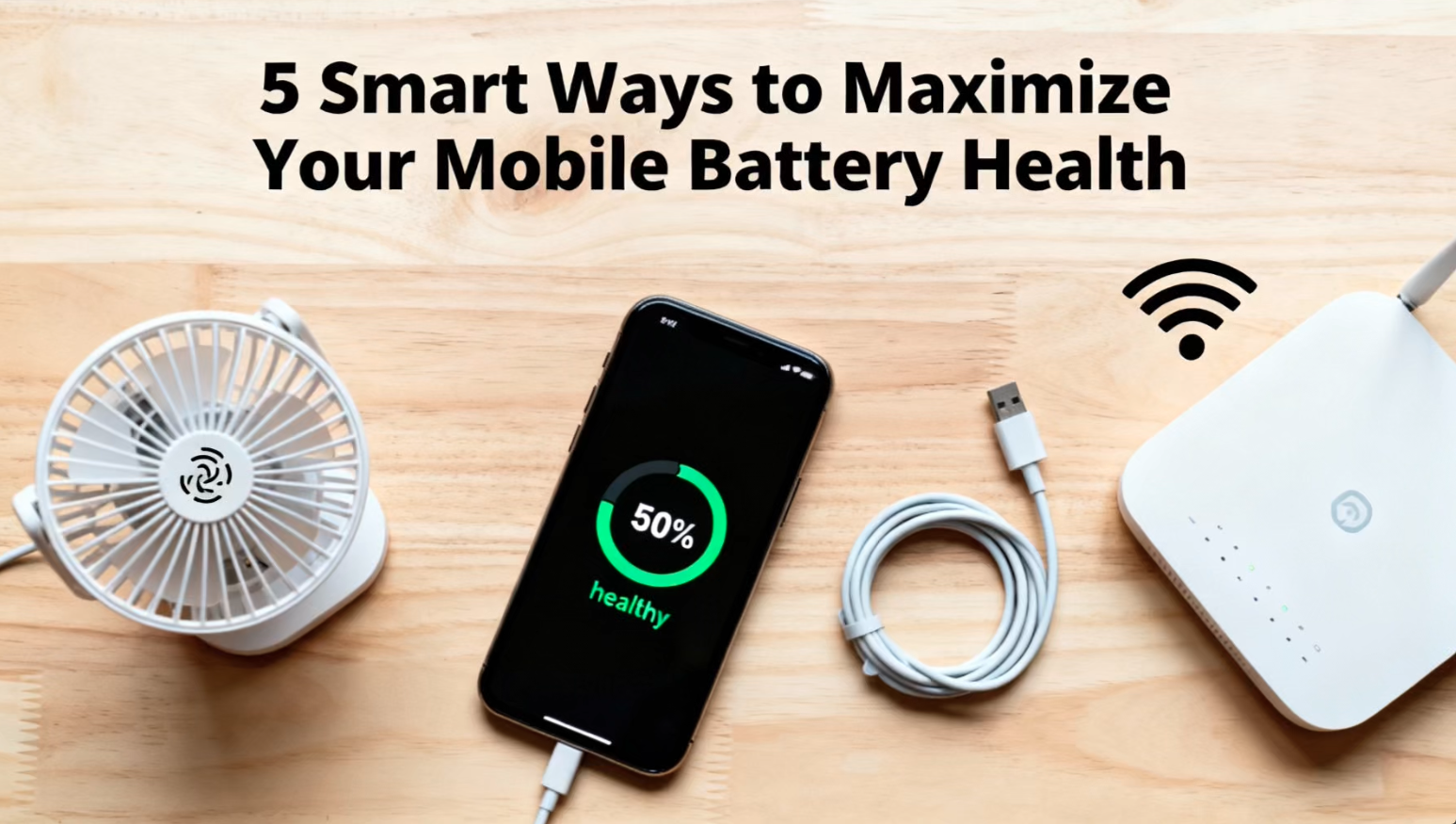
We've all heard the basics: don't let your phone die, avoid extreme heat, and maybe turn down the brightness. But if you want your phone's battery to stay healthy for years—not just months—you need to go deeper. Battery anxiety doesn't have to be a fact of life. Here are 5 smart, often overlooked strategies to truly optimize your mobile battery's long-term health.
1. Master the 20-80% "Comfort Zone" Rule (But Be Practical)
You've likely heard of this, but understanding why is key. Lithium-ion batteries are happiest in the middle of their charge range. Consistently charging to 100% and draining to 0% creates significant stress on the battery's chemistry, accelerating its wear.
The Smart Move: Aim to keep your battery between 20% and 80% for daily use. This isn't about being obsessive; it's about forming a new habit. Don't plug in overnight to sit at 100% for 8 hours. Instead, charge in the evening or during your morning routine. Most modern phones (iPhones with Optimized Battery Charging, many Androids) will learn your schedule and hold at 80% until you need it if you plug in overnight. The real enemy is constant 100% charge.
2. Kill the "Slow Death" Background App Drain
It’s not the screen-on time that often murders your battery—it’s the silent, invisible army of apps refreshing in the background. A social media or shopping app constantly pinging for notifications and location is a battery vampire.
The Smart Move: Audit and ruthlessly restrict background activity. On iOS, go to Settings > General > Background App Refresh and disable it for non-essential apps. On Android, go to Settings > Apps & notifications > [Select App] > Battery and set it to "Restricted." Do this for any app that doesn't absolutely need to run in the background (like your messaging or email app). The difference in standby drain can be dramatic.
3. Embrace the Power of "Optimized" or "Adaptive" Charging
This is the single best feature for battery health that most people ignore. Your phone’s OS is smarter than you think.
The Smart Move: Turn it ON and trust it. On iPhone, it's Settings > Battery > Battery Health & Charging > Optimized Battery Charging. On Pixels and many Androids, look for Adaptive Chargingor Protect Battery features. These features use AI to learn when you typically unplug your phone. If you charge overnight, they will charge your phone to 80% quickly, then slowly trickle-charge the final 20% to complete just before your usual wake-up time. This prevents your battery from sitting at a high, stressful charge level all night.
4. Choose Wi-Fi Over Mobile Data Whenever Possible
This is a huge, underrated battery saver. When your phone is searching for, holding onto, or switching between cellular towers (especially in weak signal areas), it works much harder than when it's connected to a stable Wi-Fi network. That extra work generates more heat and drains the battery faster.
The Smart Move: Be intentional about connectivity. At home, work, or a trusted cafe, always connect to Wi-Fi. Turn off mobile data while on a flight or in a subway. When you're out and about, if you need to download a large file or update apps, wait until you have a strong 4G/5G signal or, better yet, a Wi-Fi connection. A struggling radio is a battery killer.
5. Manage Heat Like It's Your Battery's Mortal Enemy
Heat is the arch-nemesis of lithium-ion batteries. Period. Charging your phone creates heat. Using it intensely (gaming, video recording) creates heat. Leaving it in a hot car or in direct sunlight creates catastrophic heat.
The Smart Move: Charge smartly and handle with care.
-
Never charge while gaming or doing intensive tasks. The combined heat from processing and charging is a double-whammy.
-
Remove your case while fast-charging if you notice the phone getting warm. This allows for better heat dissipation.
-
Never leave your phone exposed to direct sunlight or on a car dashboard. If your phone feels hot to the touch, stop using it, move it to a cooler spot, and if possible, turn it off for a few minutes.
The Bottom Line: Think Long-Term
Treating your battery well isn't about daily micromanagement; it's about adopting a few key habits that become second nature. By focusing on the charge cycle sweet spot, silencing background drains, using your phone's built-in smart features, choosing the right network, and managing heat, you're not just saving a percentage point today—you're adding months, even years, of healthy life to your device. A little foresight now means you won't be searching for a charger—or a costly battery replacement—nearly as often.

Comments
Please login to post a comment
LoginNo comments yet. Be the first to comment!